





Team AI Enablement

Help your team put AI to work.

Hands-on AI training built around your team’s documents, tools and recurring tasks. Learn to prepare useful reports, work through information and share approaches that others can use—creating more capacity across the team.

We’ll look at how your team works today and where AI can help.

Make space for a different way of working.

Someone uses it to draft emails. Another prepares reports. Others are still figuring out where it fits.

But preparing updates, gathering information and chasing approvals still take more attention than they should. Useful approaches stay with individuals, and people use different information or instructions to do similar work.

We help your team build shared foundations and learn to apply AI to their own responsibilities—so useful improvements become part of how you work together.

The approach

Good foundations take shape together.

  1. Discovery / Before we begin

    Start with how your team works.

    Short questionnaires and at least one company discovery call help us understand your priorities, tools and recurring tasks. Where teams work differently, we speak with the relevant representatives. We use that context to prepare the training and identify useful starting points.

  2. Team workshop / 2 hours

    Build shared foundations.

    In a two-hour practical workshop, your team learns how to give AI useful context, assess its outputs and apply it to shared tasks. We help with the agreed setup and begin developing workflows together.

  3. Individual sessions / 1 hour each

    Apply it to each person’s role.

    Each participant has a one-hour individual session focused on their own work. With guidance, they build and practise a useful workflow, check the results and learn how to run it themselves.

  4. Team follow-up / 1 hour

    Try it, then come back with questions.

    Your team puts the workflows into practice. Around a week after the individual sessions, a one-hour follow-up brings everyone together to review progress, address questions and refine what needs attention.

Shared context. Hands-on practice. Independent capability.

Put AI into practice across your team’s work.

We choose the starting points together, based on your priorities, available tools and access. Depending on what your team needs, we might work on:

Make sense of information.

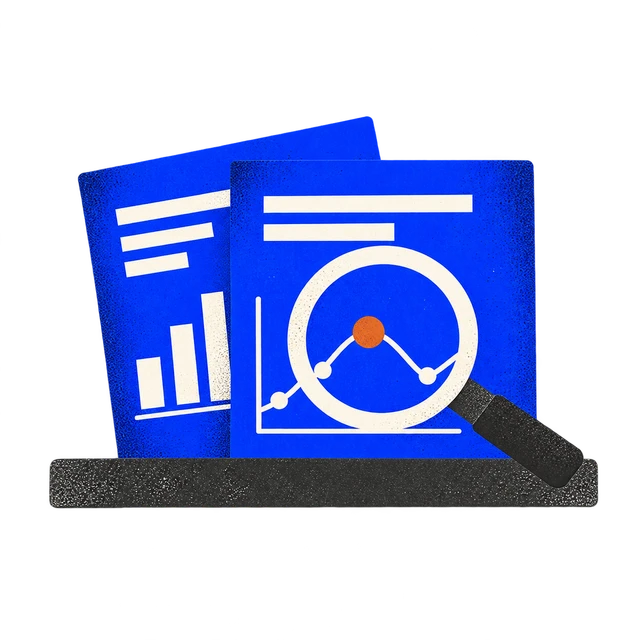
Use AI to explore research, feedback and business information. Find patterns, compare options and prepare clearer recommendations—with the source material there to check.
Create and improve your work.

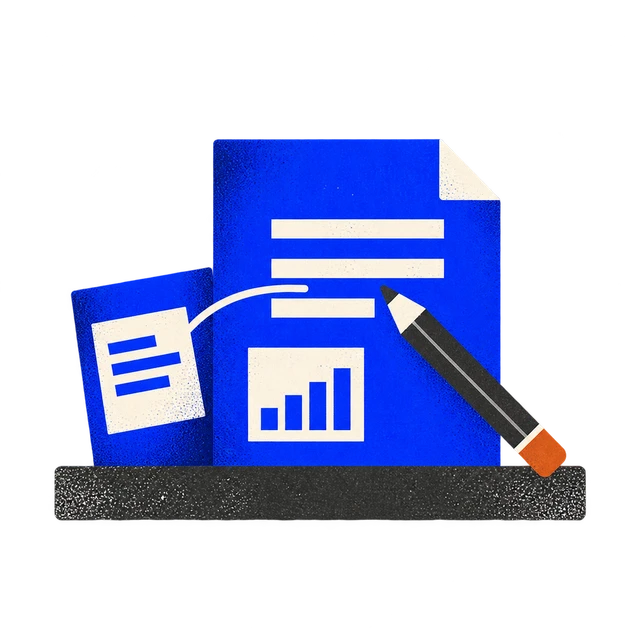
Use AI to draft, develop and improve everyday work—from proposals and presentations to project plans and customer communications. Bring your context and judgement to shape the result.
Build repeatable ways of working.

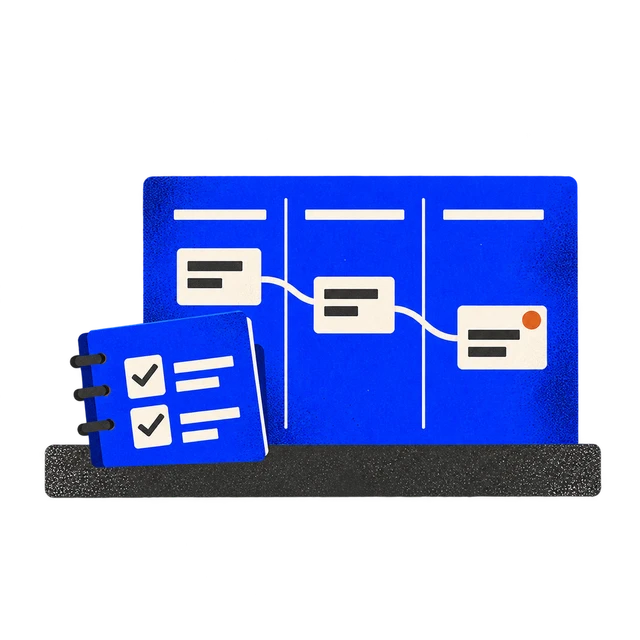
Turn useful approaches into shared workflows for tasks such as reporting, meeting follow-ups and project handovers. Give colleagues a clear starting point they can use and adapt.
Bring useful context into the work.

Relevant documents and shared tools can help AI work with the information a task needs. We help your team decide what to use and explain any proposed connections before setup. We work with your existing subscriptions, permissions and company policies to help with setup, and help craft the initial context documents to get you started.

Capability your team can keep building on.

The skills to apply AI independently.

Your people practise giving AI useful context, checking its work and refining the results. They learn to recognise where it can help and where their own judgement is needed.

Useful workflows for real responsibilities.

Individual and shared workflows give your team something practical to keep using. They understand how the workflows operate and how to adapt them as their work changes.

Shared practices that make improvements easier to repeat.

Agreed instructions, context and review steps help people build on each other’s work. Useful approaches become easier to share across the team.

Clear guidance for what comes next.

Practical guides help people repeat what they learned. A closing report captures progress, remaining barriers and opportunities to explore next.

The aim is to reduce repetitive effort and create more capacity for work that needs your team’s attention. We assess time returned against the previous process, including the effort needed to check and correct outputs.

In practice

What’s changing for our clients

01 / Venture capital

Taking research and analysis further with AI

25+ AI workflow opportunities identified
02 / Real estate investment

Turning recurring tasks into repeatable workflows

6 Workflow pilots documented
03 / Professional development

Helping a team turn its own ideas into useful AI workflows

6 AI workflows implemented and in use by the team
In practice / The full story
Case study / 01 · Venture capital

Taking research and analysis further with AI

Our work with a venture capital firm combines practical AI training with tools built around the team’s research needs.

01

Putting AI into practice

Through hands-on sessions and individual guidance, we helped team members apply AI to real research and analysis tasks. The focus was on giving AI useful context, checking its outputs and developing repeatable workflows they could continue using and refining.

Following the onsite sessions, the team reported feeling more empowered to use AI. One participant, who already felt comfortable using AI, described getting a working dashboard up and running with guidance—something they said they couldn’t have done without that support. The sessions helped them go further with a tool they already knew.

02

Extending what’s possible

Alongside the training, we developed a custom research tool that brings together public information for the team to review.

It supports ongoing discovery and research, giving the team additional material to explore while keeping interpretation and investment judgement with their people.

The engagement brings together two complementary capabilities: people who can apply AI to their own work, and purpose-built tools that support work beyond an individual AI session.

In practice / The full story
Case study / 02 · Real estate investment

Turning recurring tasks into repeatable workflows

Our work with a real estate investment firm combined practical team training, individual guidance and reusable workflows around the team’s daily responsibilities.

01

Putting AI into practice

We helped participants apply AI to the work already on their desks: finding the latest information, picking up outstanding emails and preparing recurring reports. The focus was on making AI useful in the routines that fill a working week.

The training also covered setting up useful company context and instructions, so participants could build on a consistent foundation rather than explain the business again with every request.

In follow-up conversations, team members described using these approaches regularly. One reported that a daily briefing had surfaced emails they would otherwise have missed. Another described finding documents and the latest information more easily, and had begun creating their own reusable workflows.

02

Extending what’s possible

Alongside these everyday applications, we helped develop workflows for recurring reporting and shared tracking.

During a follow-up session, one participant used AI to generate a monthly reporting summary from existing spreadsheets. The summary retained formulas linking back to the source files, so the figures could be traced to their inputs during review. The workflow was saved for reuse, with further testing and refinement planned.

The engagement helped the team establish practical uses for AI immediately, while opening up opportunities to reduce repetitive preparation and make more room for review, coordination and judgement.

In practice / The full story
Case study / 03 · Professional development

Helping a team turn its own ideas into useful AI workflows

Our work with a professional development business combines practical AI training with custom tools. A key focus is helping team members turn their own ideas for improving research, communications and programme operations into workflows they can build and refine themselves.

01

Putting AI into practice

Through a hands-on workshop, we helped the team connect their existing tools, establish shared business context and apply AI to their individual responsibilities.

In the follow-up session, participants brought back workflows they had started building themselves. One had connected an existing research directory with programme plans to identify suitable guest speakers, prepare outreach drafts for review and organise follow-ups. They reported completing the research and outreach preparation much faster than with their previous manual approach.

Other participants described using AI to review and repost jobs, research potential outreach contacts and turn performance data into presentations. They also brought questions about connecting the steps and improving what they had built, giving the follow-up session a practical focus on work they were already doing.

02

Extending what’s possible

Alongside the training, we developed custom tools to gather research, prepare draft communications and move information between existing systems, with review steps for the team.

The custom tools give the team starting points to build on. The training helps participants use their knowledge of the programme, audience and daily work to develop further applications themselves, with specialist support for more complex requirements.

The engagement continues through practical experimentation, feedback and refinement, focusing on making these capabilities useful in the team’s working week.

A few practical questions

Does everyone need experience with AI?

No. We prepare around each person’s starting point. Shared sessions establish foundations, while individual sessions focus on their responsibilities and questions.

Do we need particular tools or subscriptions?

Your company provides its own approved AI accounts and subscriptions. We help identify the appropriate setup and check access requirements before training.

How much time does the team need?

Each participant completes a short questionnaire, attends a two-hour workshop, has a one-hour individual session and joins a one-hour follow-up. They also need time to practise between sessions. Company discovery involves the relevant team representatives.

Can you work with a remote team?

Yes. We offer remote and in-person delivery, with scheduling agreed around the participating team.

What if our files and documentation are disorganised?

We can recommend how to organise useful information and context for the workflows you want to develop. Hands-on file organisation is available as a separately scoped service.

How do you handle confidential information?

Before training, we agree which information and tools we’ll use and who needs access. We can start with screen-sharing, selected documents or anonymised examples.

You use your own company-approved accounts. We explain any proposed connections and access requirements before setup. Recordings are optional and agreed in advance.

We ask for your permission before using your team’s work in examples or materials shared outside your company.

What if we need a custom tool or automation?

We identify where the training can help and where additional development is needed. Custom builds and larger implementation projects are scoped separately.

Can we get support afterward?

Yes. Optional ongoing support is available to help your team address questions, refine workflows and explore further applications.

Where could AI make a useful difference for your team?

Bring a recurring task, a shared bottleneck or a question about where to start.

In a 30-minute call, Sid will discuss how your team works, what you’ve already tried and whether Team AI Enablement fits your needs.

Book a 30-minute call with Sid

Looking for support with your own working week? Explore Executive AI Coaching ↗